![ProTop-helpnb.png]](https://help.wss.com/hs-fs/hubfs/ProTop-helpnb.png?height=39&name=ProTop-helpnb.png)
Click this icon (demo mode is off) near the bottom of the left side menu to activate Demo Mode:

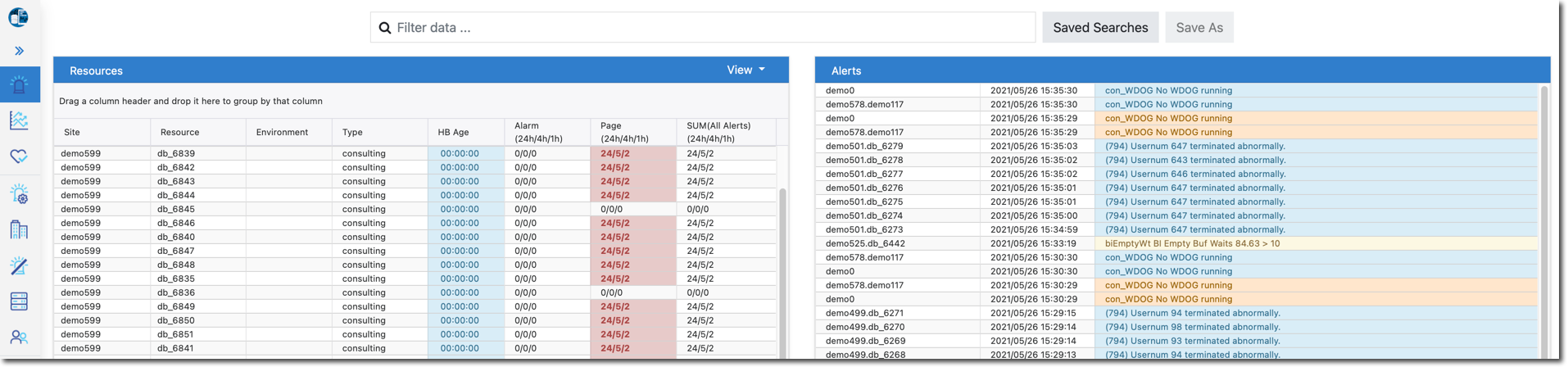
Site and Resource data as seen in demo mode on the ProTop Dashboard:
Click this icon (demo mode is on) near the bottom of the left side menu to de-activate Demo Mode: